Technology
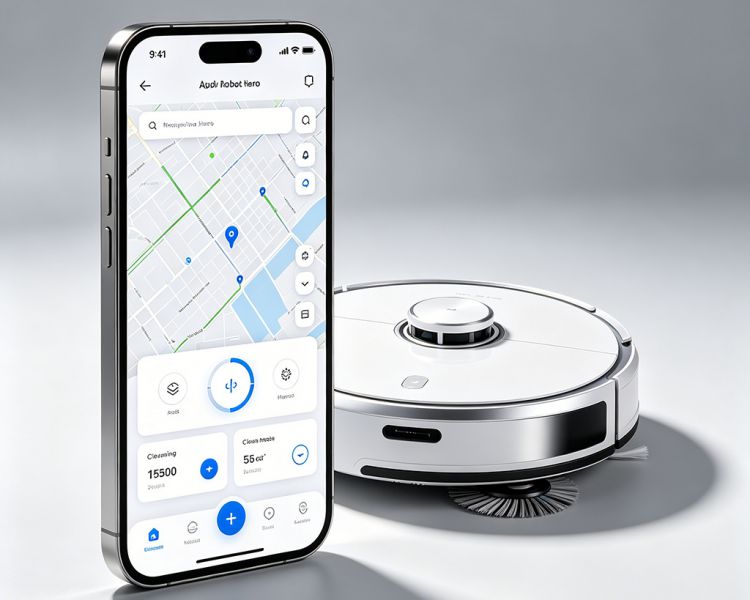
Full control from your phone or voice assistant. Schedule per‑room cleanings, draw virtual no‑go zones, check real‑time cleaning maps, and start a cycle with Alexa, Google Assistant, or Siri — whether you're at home or miles away.
How It Works
Our companion app connects to the robot via Wi‑Fi, giving you full remote control. After mapping your home, you can name rooms, create no‑go zones, and set cleaning schedules per room or for the whole house. The robot streams its progress in real time, showing you exactly where it cleaned and where it's heading next.
Smart Features
Zone Cleaning: Draw a box on the map to clean just a specific area — perfect after meals or a quick tidy
Room Cleaning: Tell it to clean the kitchen, living room, or any combination of rooms
No‑Go Zones: Mark areas like pet feeding stations or kid play mats that the robot should avoid
Schedules: Set different schedules for different days, rooms, and cleaning modes
Voice Control: All models work with Alexa and Google Assistant. Siri Shortcuts support for iOS users
Key Benefits
Intuitive map‑based interface
Real‑time cleaning progress with path tracking
Multi‑floor memory (up to 5 maps)
Firmware updates over the air
Customizable suction and water levels
Privacy by Design
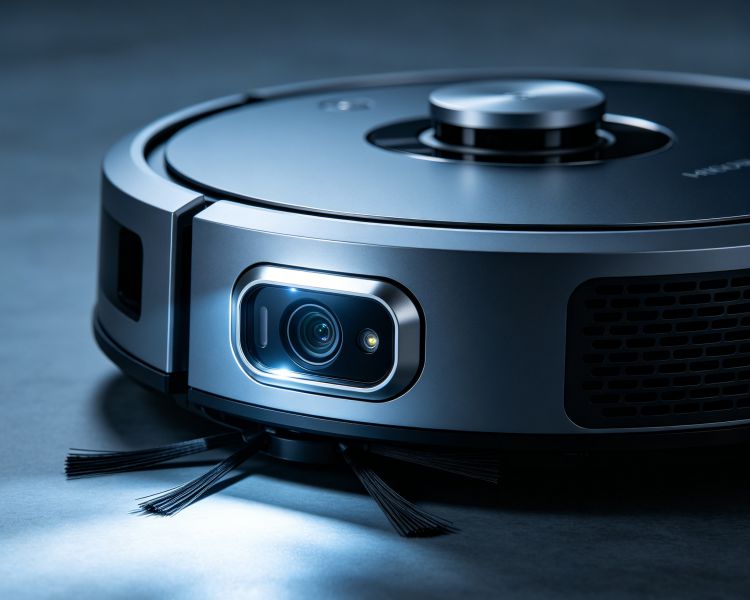
Map data is stored locally on the robot, not in the cloud. Camera‑based models process images on‑board for obstacle recognition — no video leaves your home. You can also delete maps at any time with a single tap.
Smart Home Integration
Link your robot to routines: “Alexa, goodnight” can trigger a nightly kitchen clean while you sleep. Or use IFTTT to start cleaning when your phone leaves home. The possibilities grow with every update.
Technology